
A good friend who has only recently taken delivery of his 7X, prompted me to write this up. It uses a clever chatbot that Oxen Szymanski developed, and I mentioned a few weeks back.
It looks complicated but it is not really, and once done it is easy to find and use.
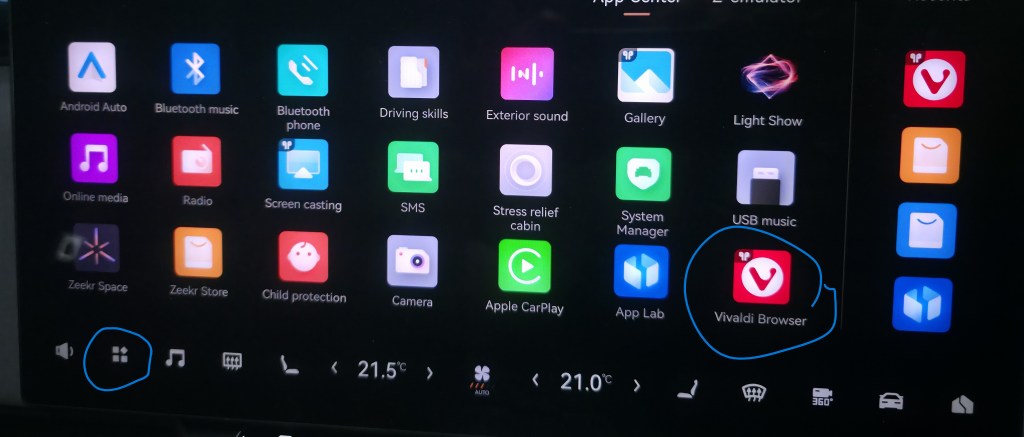
From the ‘home’ screen in your car, you get the screen below by pressing the four squares (circled) near the bottom left. You then click (OK I guess you ‘push’) on the Vivaldi browser (also circled)
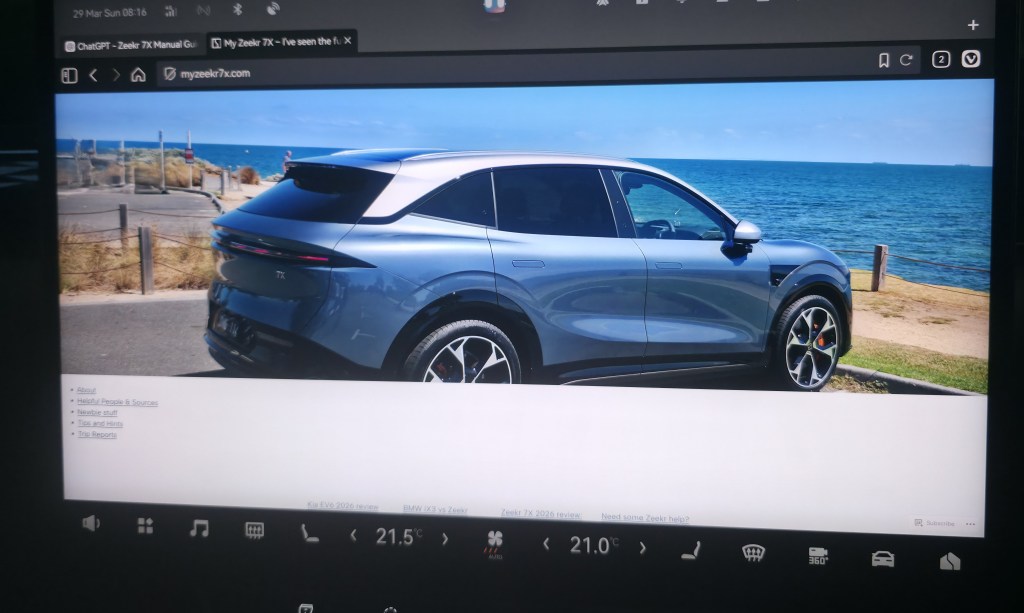
To get the screen below, simply enter the address of my web site. It is simply myzeekr7x.com
Now click on the link to “Tips and Hints” and in that list of further links, scroll down a bit and click on “Zeekr 7X Chatbot”. Click on that and you should see something like this
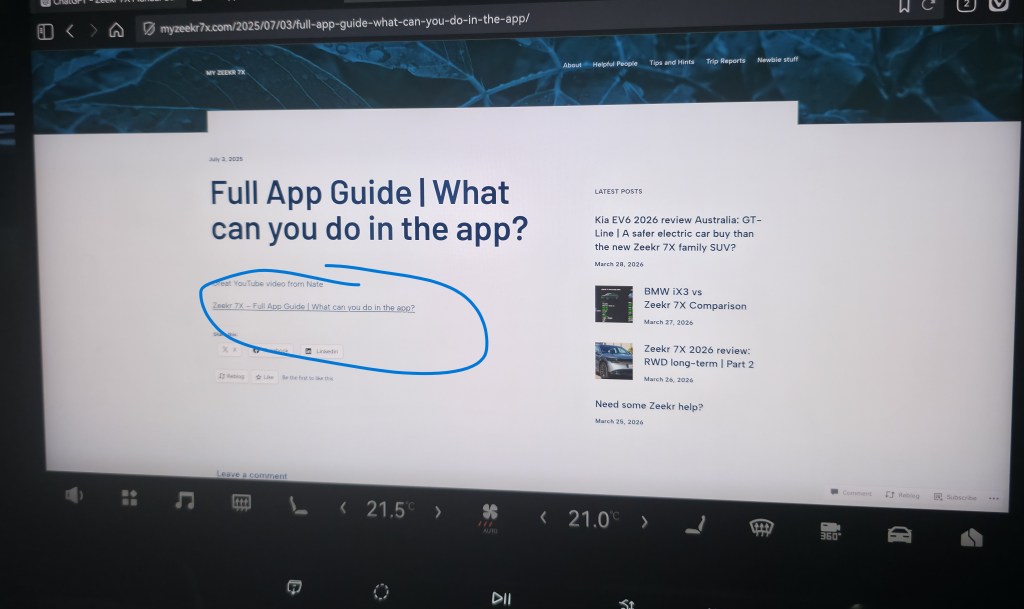
Click on the link circled above and you are at the Chatbot below
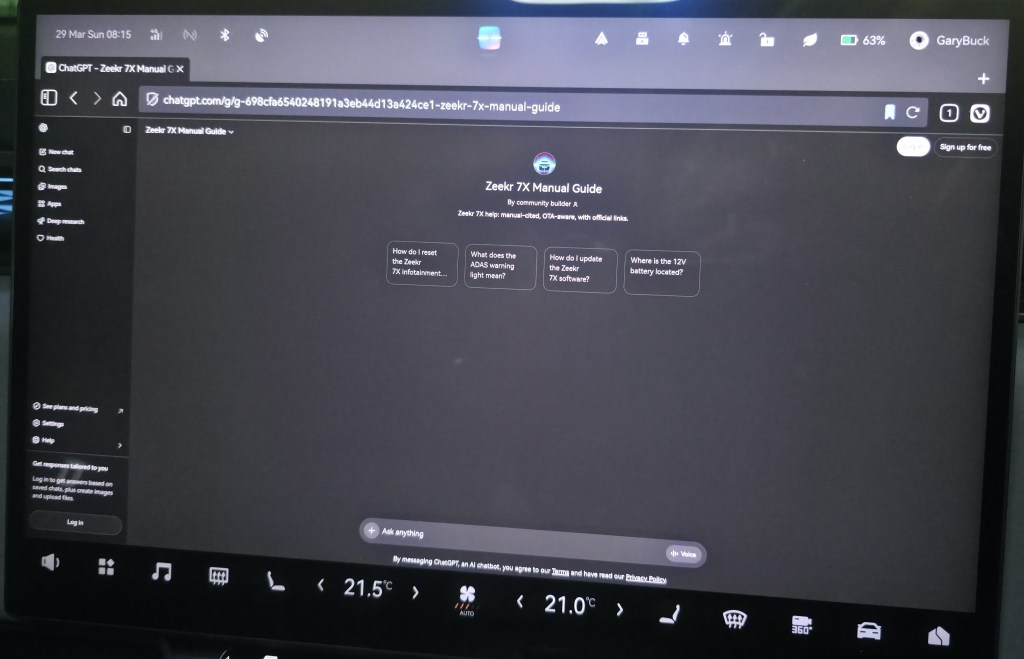
Now I’m guessing that you don’t want to go through this every time. Back on your ‘home screen’ below, make sure that the Vivaldi browser is in your favourite list. Unless you use your browser for other things, it will bring up the Chatbot straight away.
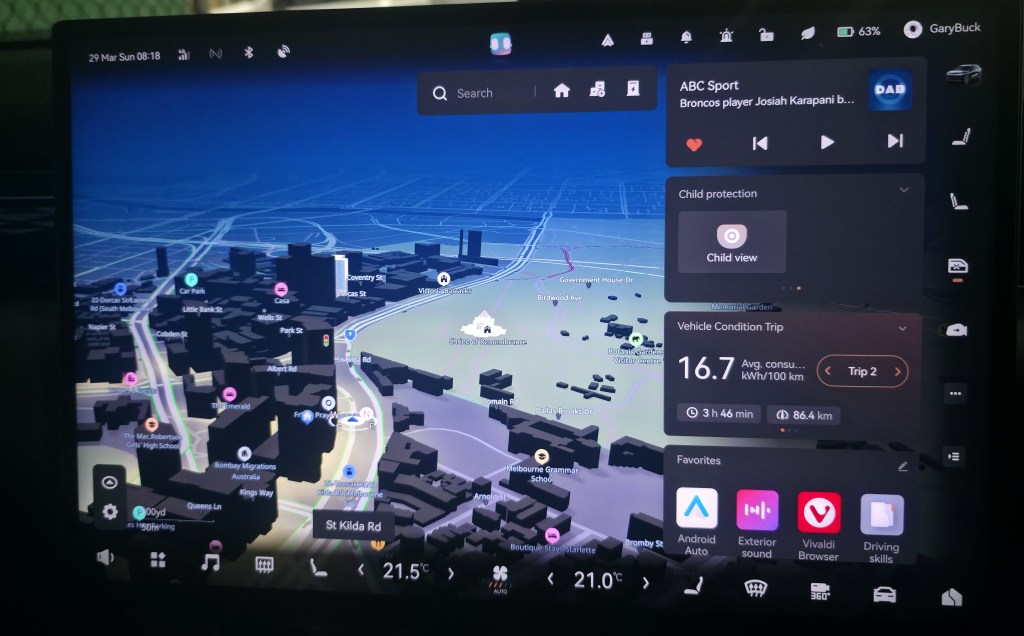
All the normal – don’t do while driving stuff applies and thanks again to Oxen….and apologies that the photos are a bit wonky, done before I head out for Grandparent duty.
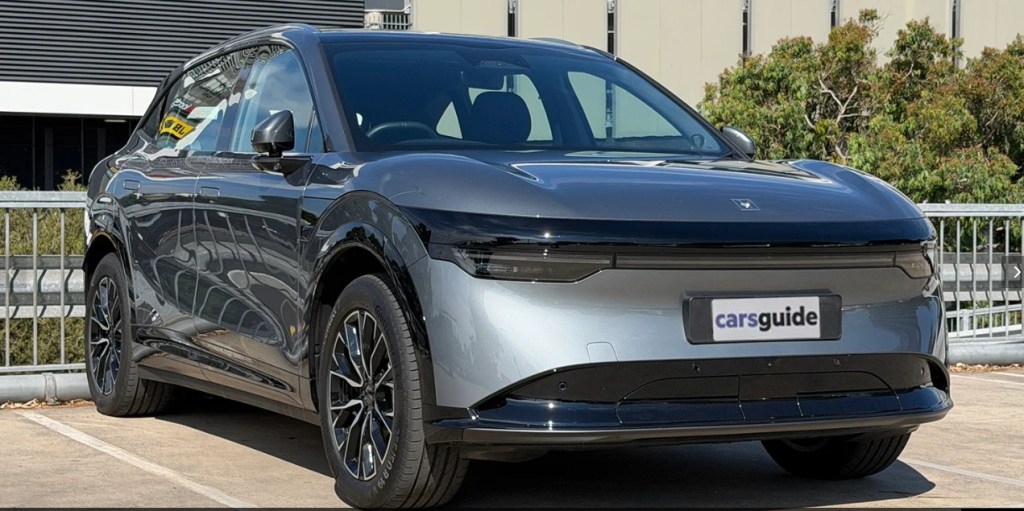
 My Zeekr 7X
Leave a comment